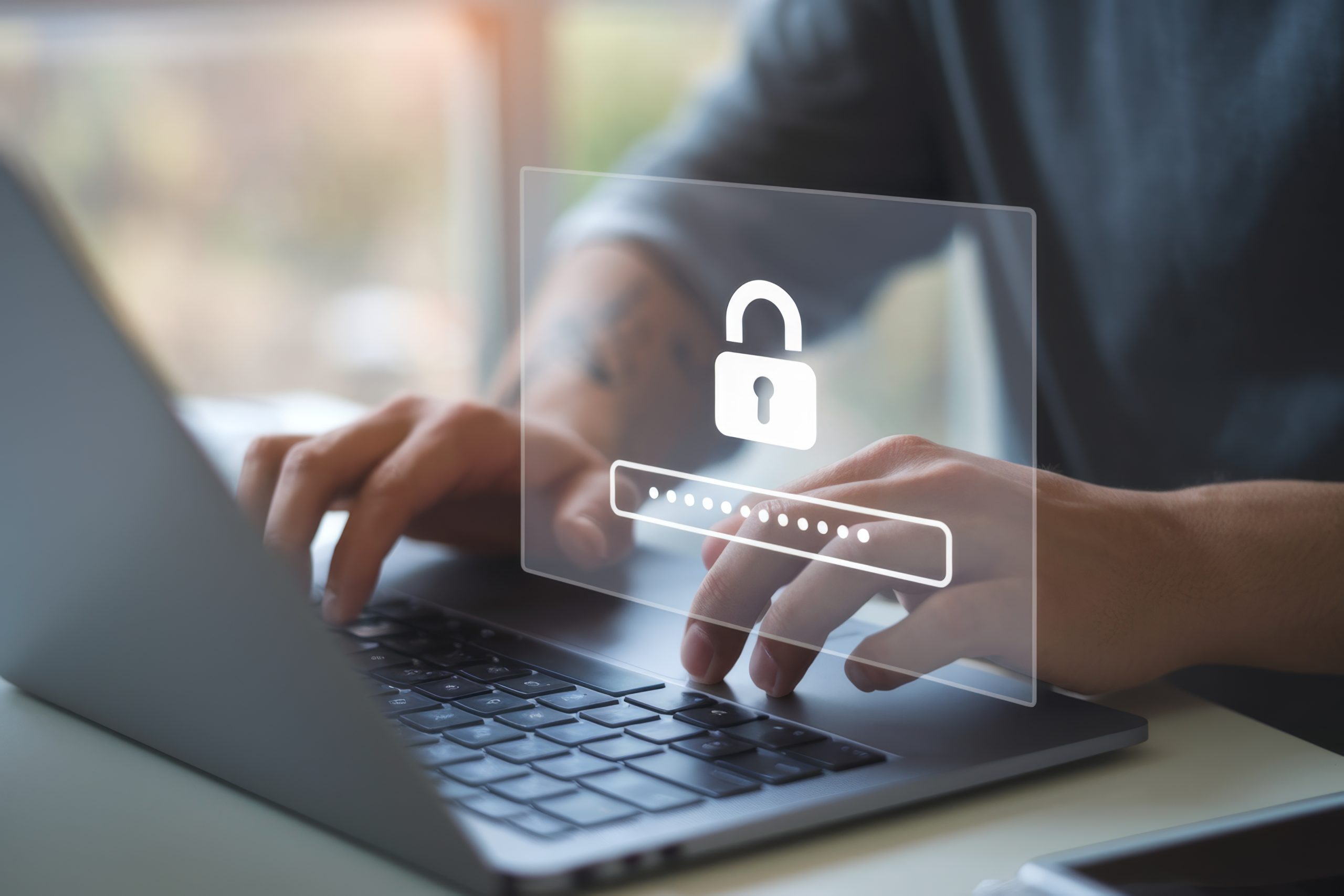

Be honest – when was the last time you created a truly strong, unique password for a new account? Not reused an old favourite with a slightly different number at the end. Not swapped an “a” for an “@” and called it a day. A genuinely new, random, unique password.
If you’re feeling a twinge of guilt right now, you’re in very good company. May 7th is World Password Day, and this year, instead of repeating the usual advice about making stronger passwords (you already know that part), let’s talk about something more interesting: why we keep making the same mistakes even when we know better.
The Knowing-Doing Gap
Here’s the paradox. We have better security tools available to us than ever before. Password managers are easier to use. Multi-factor authentication is more widely available. A newer technology called passkeys (more on those in a moment) is making passwords themselves optional on many sites. And yet, the numbers tell a very different story.
The average person now manages roughly 300 passwords across their various accounts – nearly double what it was just a few years ago. And studies consistently show that the vast majority of those passwords are either weak, reused, or both. Password manager adoption has grown to about 35% of internet users, which is real progress – but it still means almost two out of three people are managing their credentials manually or relying on their browser to remember them.
We know the rules. We just aren’t following them. And there are real reasons for that.
Why Our Brains Work Against Us
Password fatigue is more than just an annoyance – it’s a genuine cognitive burden. When faced with the task of creating and remembering hundreds of unique, complex passwords, our brains do what they’re designed to do: take shortcuts.
We reuse passwords because it reduces the mental load. We add predictable variations – swapping a “1” for a “2” at the end, changing the season from “Summer” to “Winter” – because it feels like we’re doing something without the effort of starting from scratch. We tell ourselves that our accounts aren’t important enough to bother protecting properly. And we put off setting up a password manager because it feels like a big project for “someday.”
Sound familiar? These aren’t signs of carelessness. They’re perfectly normal human responses to an unreasonable cognitive demand. The problem is that cybercriminals are counting on exactly these shortcuts.
The Rules Have Actually Changed (for the Better)
Here’s some genuinely good news. The National Institute of Standards and Technology (NIST), which sets the gold standard for cybersecurity guidance, has fundamentally updated its password recommendations – and they’re much more human-friendly than what you might expect.
The old rules – requiring special characters, mixing uppercase and lowercase, forcing password changes every 90 days – are out. NIST found that these rules don’t actually make passwords more secure. They just make them harder for humans to manage, which leads to exactly the kind of predictable workarounds that weaken security.
The new guidance? Length matters far more than complexity. A passphrase of 15 or more characters – even just a few random words strung together – is significantly more secure than a short, cryptic jumble of symbols you’ll never remember. Something like “PurpleMonkeyDishwasher” is both stronger and easier to recall than “7dEuW$kM”
This is a meaningful shift: instead of fighting against how our brains work, the new guidance works with them.
Don’t Ask AI to Make Your Passwords
Speaking of things that seem like they should work but don’t – if you’ve ever thought about asking ChatGPT, Claude, or another AI chatbot to generate passwords for you, here’s a surprise: researchers have found that AI-generated passwords are actually not secure.
The reason comes down to how these tools work. AI chatbots are designed to predict the most likely next character in a sequence – which is essentially the opposite of randomness. When researchers tested password generation across several major AI platforms, they found the results were highly predictable and followed recognizable patterns. In one test, a chatbot generated the same password 10 out of 50 times.
On the surface, these AI-generated passwords look strong – they’re a mix of letters, numbers, and symbols. But hackers can run the same prompts and collect the results, creating a bank of likely passwords to try during break-in attempts.
The lesson? Leave password generation to tools that are actually designed for randomness – like the built-in generators in password managers, which use cryptographic methods rather than prediction to create truly unique results.
The Future Is Already Here: Passkeys
If keeping track of hundreds of passwords sounds exhausting, there’s a reason the biggest names in tech are working to make them unnecessary altogether. Passkeys are a newer authentication technology that’s rapidly gaining traction – and they’re worth knowing about.
Here’s the simple version: a passkey turns your device into your credential. Instead of typing a password, you authenticate using your phone’s fingerprint scanner, face recognition, or PIN. The passkey is stored securely on your device, and there’s nothing for you to remember, nothing to type, and – critically – nothing that can be phished, guessed, or stolen in a data breach.
Passkeys are already available on many of the services you use every day. Nearly half of the world’s top 100 websites now support them, including Google, Amazon, Apple, and Microsoft. If you haven’t tried setting one up yet, your next login to one of these services might be a good time to explore the option.
Passkeys won’t replace passwords everywhere overnight, but they represent a real shift in how we protect our accounts – and they eliminate the knowing-doing gap entirely.
Breaking the Cycle: Your Three-Step Reset
You don’t need to overhaul your entire digital life in an afternoon. Pick one of these steps and do it this week – then build from there:
- Set up a password manager (if you haven’t already). This is the single most impactful step you can take. A password manager generates, stores, and auto-fills truly random passwords for all your accounts, so the only password you need to remember is your master password. Most offer free versions, and the setup is simpler than you might think.
- Try a passkey on one account. Next time you log into Google, Amazon, Apple, or Microsoft, look for the option to set up a passkey in your security settings. It takes about two minutes, and once it’s done, you’ll see just how much easier logging in can be.
- Check what’s already been exposed. Our dark web monitoring will alert you if your email and any associated passwords have been found in a data breach – so you’ll know exactly which accounts need attention first, rather than guessing.
It’s Not About Willpower – It’s About Systems
The real lesson of the password paradox isn’t that we need to try harder. It’s that we need to stop relying on human memory and willpower for something that technology can handle better. Password managers, passkeys, and multi-factor authentication aren’t just nice-to-haves – they’re the systems that close the gap between what we know and what we actually do.
This World Password Day, give yourself permission to stop trying to be perfect and start letting better tools do the heavy lifting.
Stay vigilant, stay informed, and stay safe.